
Why Hyundai Kept Physical Buttons in Its New Digital Interior

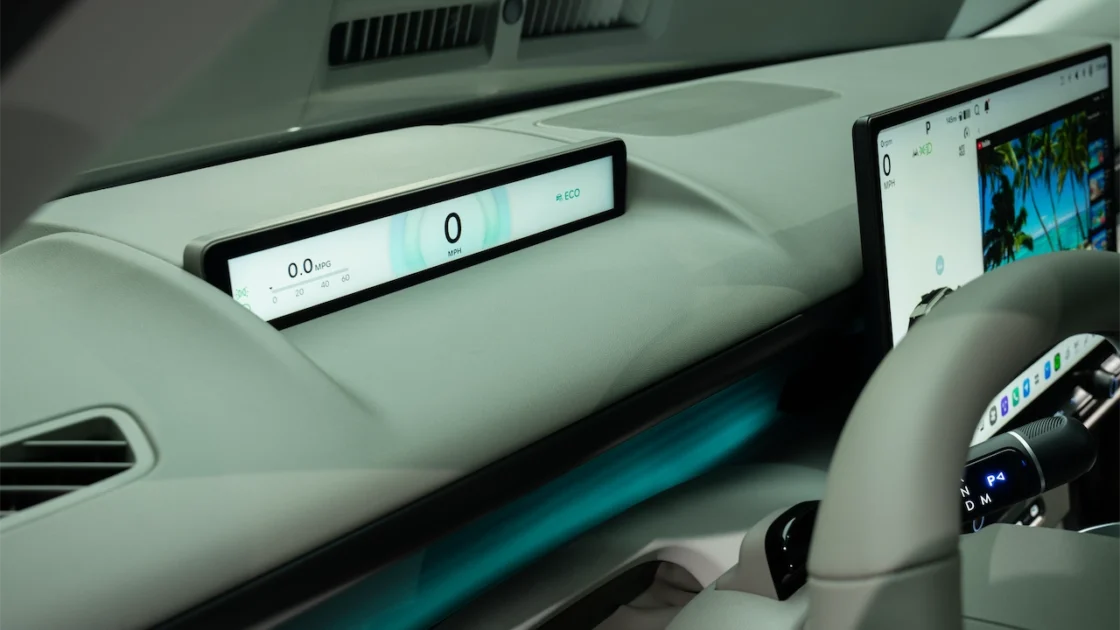
When I want to lower the cabin temperature, I appreciate a control I can find without studying a menu. That preference came up during our conversations about the new Hyundai Tucson interior.
Hyundai’s design team described keeping physical controls for frequently used functions as part of its approach to the cabin. The explanation involved how drivers learn the layout and what they need to do while their attention belongs on the road.
Familiar Tasks Keep Dedicated Controls
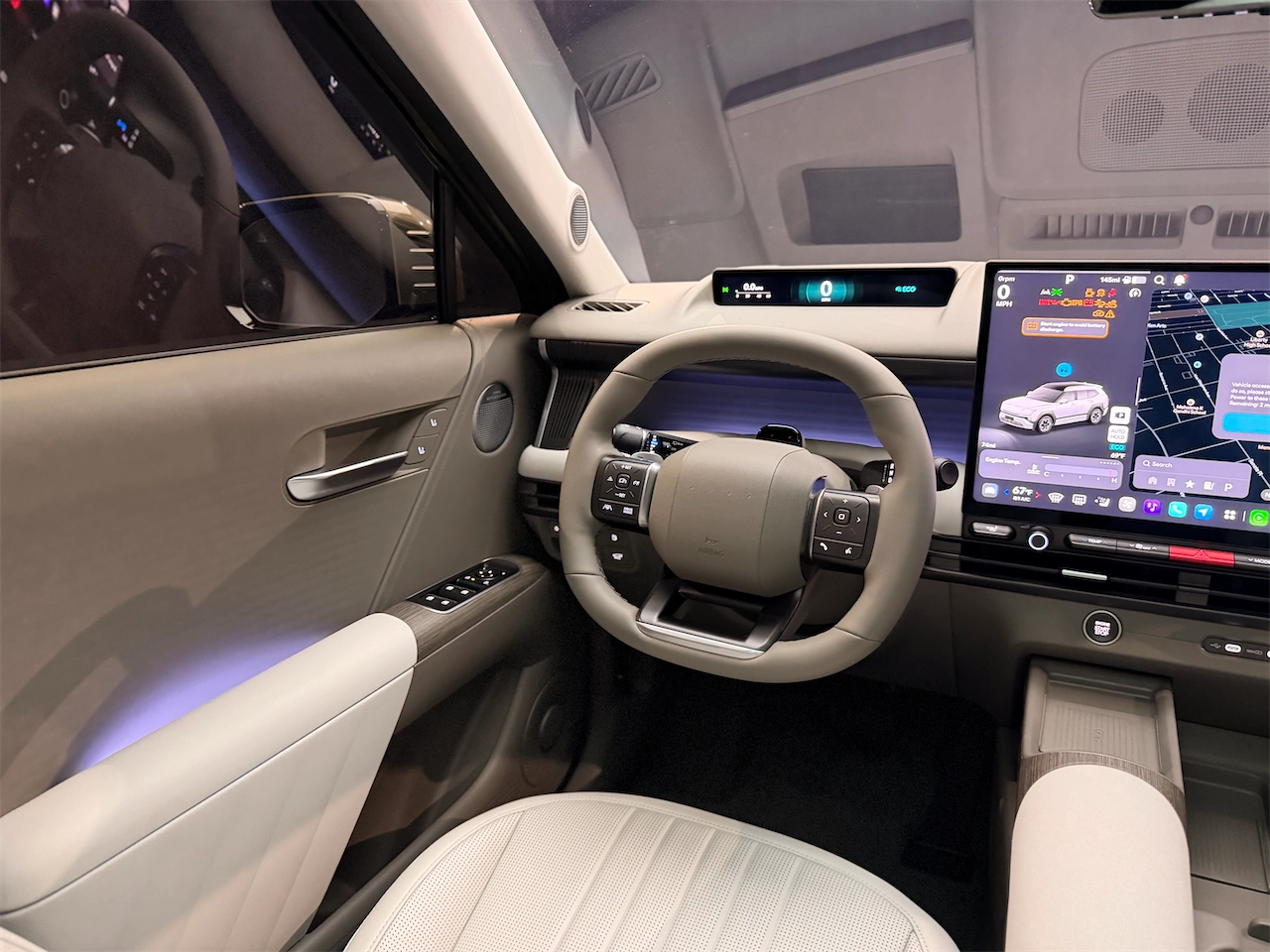
The designers identified climate temperature and fan speed among the functions served by physical controls. They also discussed seat heating and audio adjustments.
Those are tasks many of us repeat throughout a trip. A dedicated control gives the driver a consistent place to reach as familiarity with the vehicle develops.
For buyers searching for cars with physical buttons, the exact controls fitted to their chosen trim will be worth checking in person.
Button Shape Has a Purpose
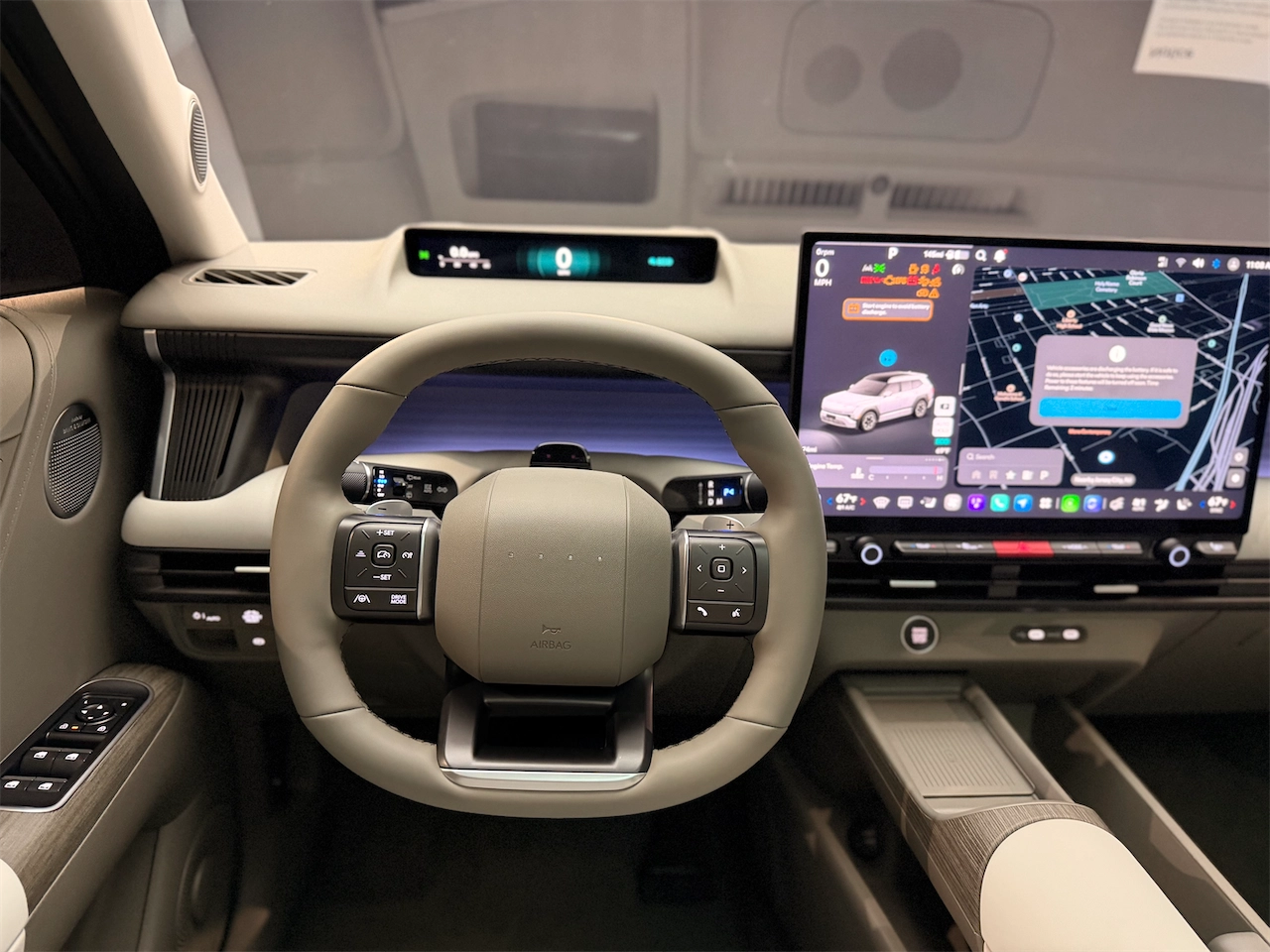
Hyundai’s team described using different shapes and textures to help drivers identify controls by touch.
I found that detail particularly appealing. After spending time with a vehicle, the way a button feels can help you recognize it before you look directly at it.
That design intention will need to be evaluated in use. A control can look convenient in a photograph, while its location and feel become apparent when you sit behind the wheel.
Screens Still Have an Important Role
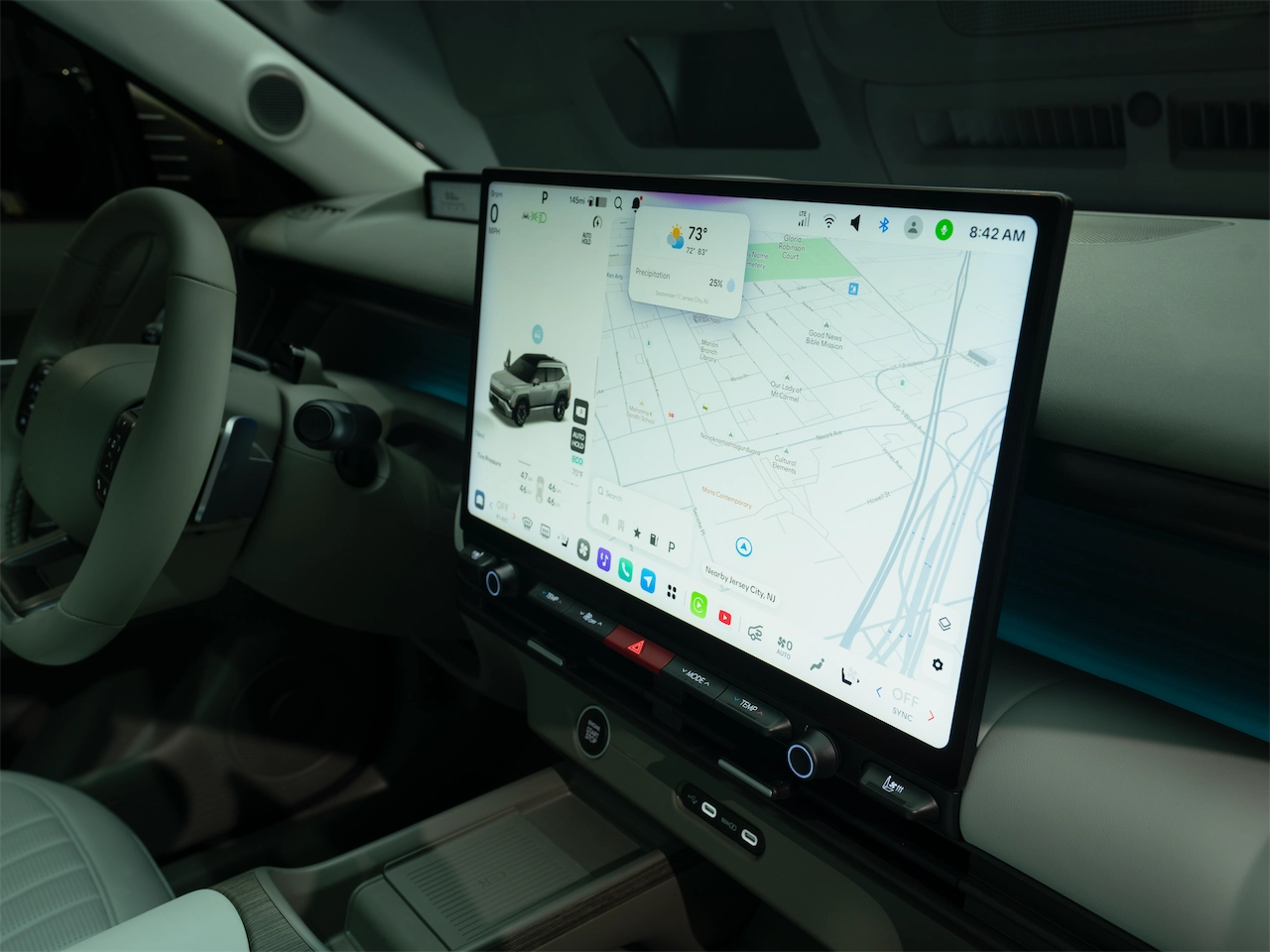
The interior strategy also includes a central display for more detailed functions. Essential information is placed high in the driver’s sightline, with additional interaction handled on the main screen.
Hyundai’s Pleos Connect overview describes a large central display alongside a slim display in front of the driver. Its interface includes a bottom bar for access to apps, and the published design retains physical buttons. Cory broke down the platform in more detail in his Pleos Connect explainer.
The approach gives different tasks different places within the cabin.
What I’d Check on a Test Drive
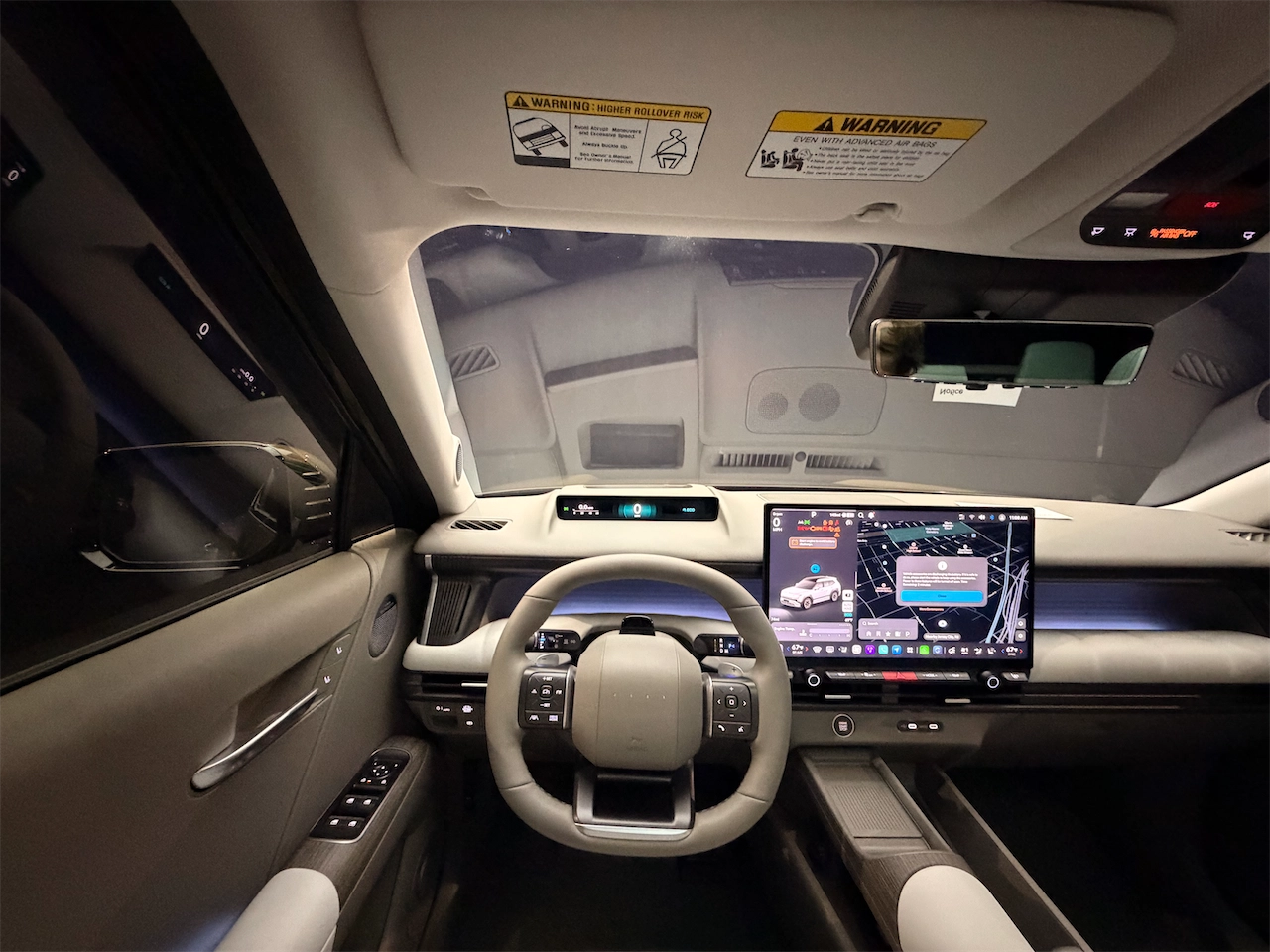
I’d start by locating the temperature and audio controls with the vehicle parked. Once familiar with them, I’d evaluate how naturally they fit into ordinary use during a drive.
We haven’t conducted a distraction study, and the interviews don’t establish a measured safety improvement. They do explain Hyundai’s intention to reduce the need to search for common functions.
The value for me is straightforward: A comfortable cabin includes controls that feel easy to live with. I’m looking forward to seeing how that thinking translates into the production vehicles.